Copilot vs ChatGPT: Which AI Is Best? The Definitive 2026 Comparison
AI has completely shifted from basic conversational chatbots to hyper-intelligent agents. When choosing between Copilot vs ChatGPT, the real question is simple: do you need an seamless office co-pilot or a highly creative personal brain? Let's take a deep look to see which AI is best for you.
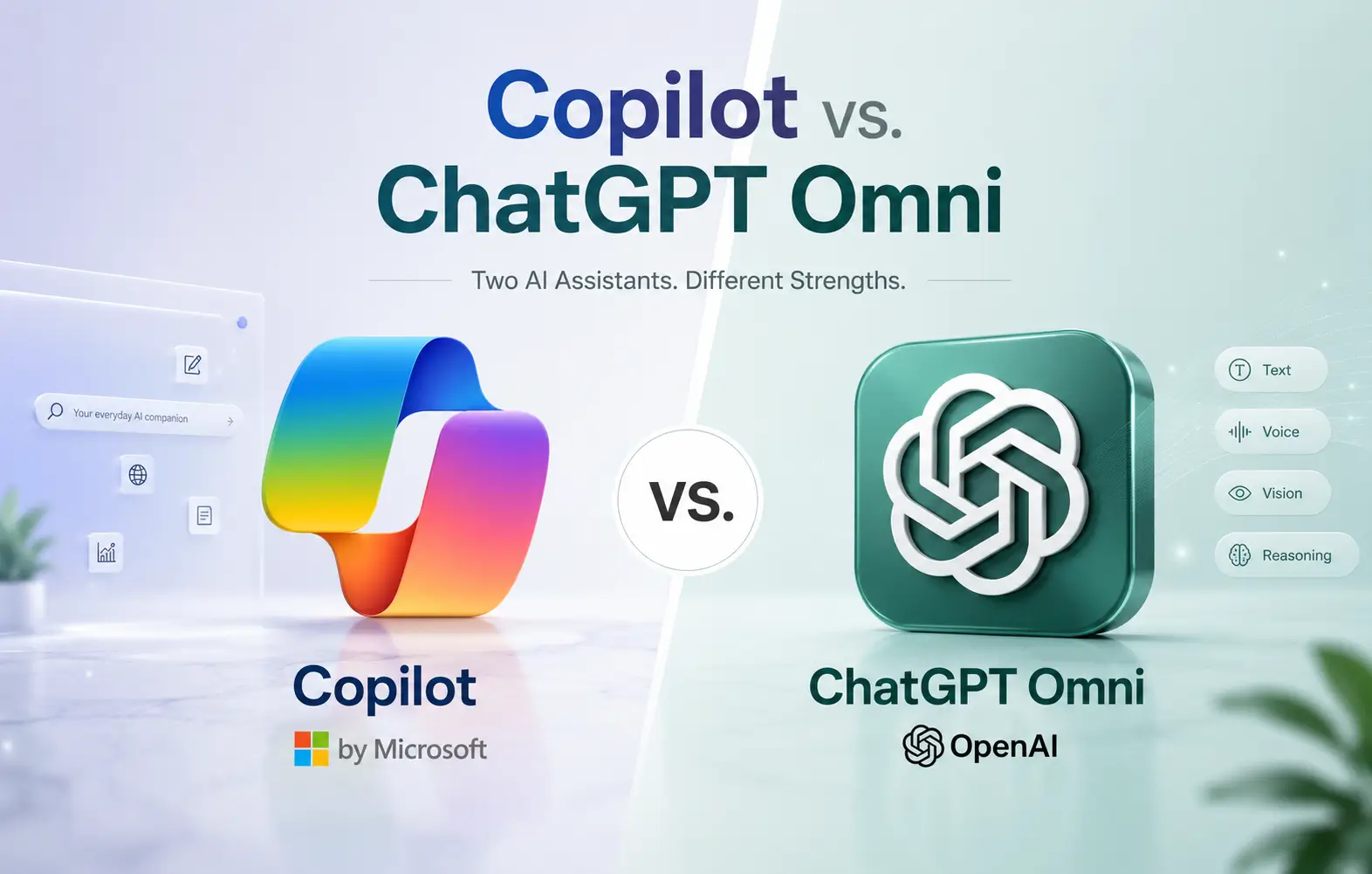
The digital battlefield: Evaluating Microsoft Copilot's system-level workflows against ChatGPT's raw intellect and expansive native apps.
listQuick Article Navigation
- Quick Summary
- Understanding the Modern AI Titans
- Philosophical Differences: Integrated vs. Standalone
- Office Suite Integration & Spreadsheet Analysis
- Web Browsing Security & Safe Workflows
- Coding Capabilities: Autocomplete vs. Deep Debugging
- Hardware & Mobile Device Integration
- Comprehensive Feature Comparison Table
- Frequently Asked Questions
- The Final Verdict: Which AI is Best?
bookmarkQuick Summary
boltClick to Collapse/Expand Our Quick Recommendation
If you are in a rush and need a fast, direct answer to the Copilot vs ChatGPT debate, here is our bottom line based on extensive testing:
- Choose Microsoft Copilot if: Your daily workload revolves around Outlook, Word, PowerPoint, Teams, and Excel. It excels at parsing internal secure documents and runs seamlessly alongside standard Windows setups.
- Choose OpenAI ChatGPT if: You need an all-purpose engine for software engineering, brainstorming, complex reasoning, and research. It offers superior conversation quality, is completely platform-agnostic, and runs natively in modern browser formats.
- Read our deep-dive analysis: For an absolute breakdown of how these tools compare across key daily tasks, explore our comprehensive guide on Copilot vs. ChatGPT: which AI is best to understand the core differences.
Now, let's step beyond simple summaries. To truly understand where your money and time should go, we need to inspect how both products behave in real workspaces, how their ecosystems are growing, and how safe they are to use.
groupsUnderstanding the Modern AI Titans
The days of sending simple text prompts and getting static replies are long gone. In 2026, both Microsoft and OpenAI have built deep, highly customized systems that act less like automated answering machines and more like trusted partners sitting right alongside you.
Microsoft Copilot has evolved from a simple chatbot panel in Microsoft Edge to a foundational system-level service. It operates across multiple large language models under the hood, utilizing unique contextual anchors known as Web IQ and Work IQ. If you are curious about how these features evolved, check out our coverage on the Microsoft Copilot 2025 update features, which paved the way for the deeply integrated, agent-focused experience we rely on today.
OpenAI’s ChatGPT, fueled by the flagship GPT-5.5 model, represents a highly versatile creative mind. Rather than locking you into a single desktop framework, ChatGPT aims to be your core partner on whatever machine you hold. It excels in pure, context-rich prose, advanced logical reasoning, and complex tasks that demand sustained attention and multi-step execution.
hubPhilosophical Differences: Integrated vs. Standalone
The real difference between these tools isn't just about their underlying raw intelligence; it is about how they are built to interact with your data. They approach the digital workflow from two completely opposite directions:
Microsoft Copilot is an Integrated Specialist. Its absolute focus is organizing, summarizing, and presenting the files you already have. It connects to Microsoft Graph to understand your context—syncing with emails you sent this morning, Word documents you edited yesterday, and meetings scheduled for tomorrow. It operates under strict IT security rules, ensuring enterprise compliance at every turn.
ChatGPT is a Standalone Powerhouse. It doesn’t wait to be invited into an office suite; it invites you into its own unified interface. It is built to create brand-new things from scratch, write complex scripts, explain sophisticated academic papers, and brainstorm unique angles. It behaves like a brilliant, multi-talented consultant who can tackle almost any task you hand over.
grid_onOffice Suite Integration & Spreadsheet Analysis
For office workers, spreadsheets are the ultimate testing ground. This is where both AI giants show off completely different approaches to data management.
Microsoft Copilot runs directly inside Excel. You can ask it to highlight cells, write complex macros, and generate visualizations without ever leaving your active window. Because it has native access to the application’s backend, it performs these edits instantly. However, it can sometimes feel rigid, requiring exact formatting and clean data tables to work properly.
OpenAI takes a different route, letting users plug ChatGPT directly into their current spreadsheets. This has changed how everyday users handle complex databases. If you want to use the full power of ChatGPT to translate text, clean data, and run advanced formulas directly inside your favorite spreadsheets, make sure to read our tutorial on the ChatGPT Excel Google Sheets add-on.
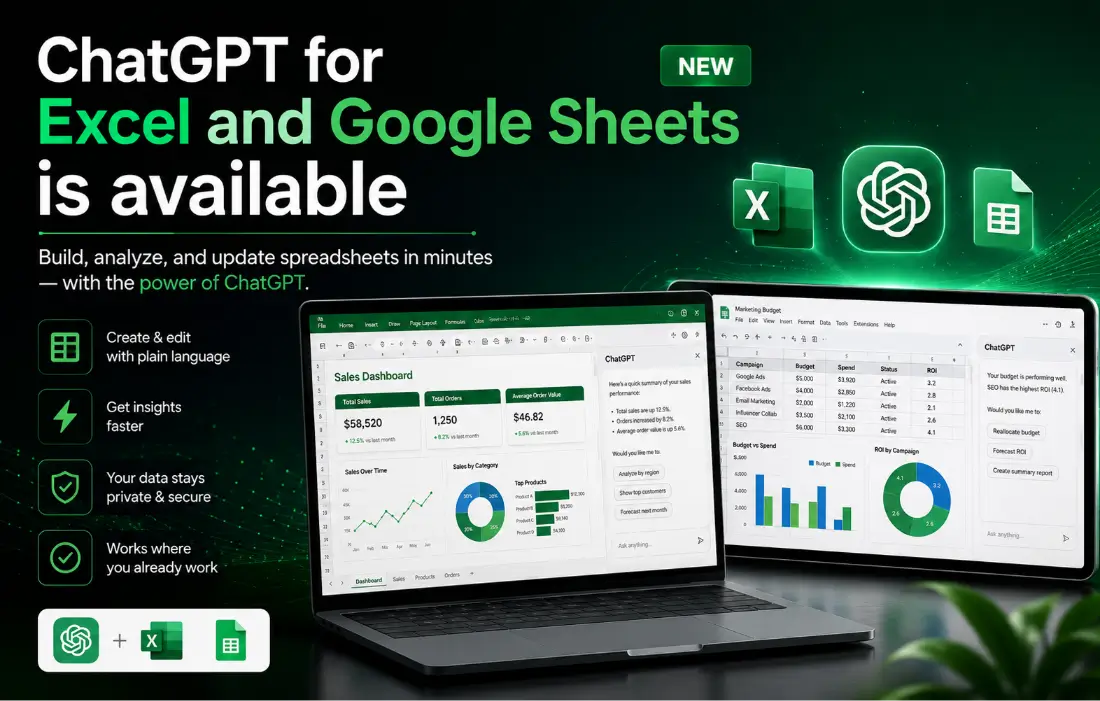
Step-by-Step Guide
How to Use the ChatGPT Excel and Google Sheets Add-on for AutomationLearn how to easily set up, secure, and run advanced AI prompts directly inside your spreadsheets to automate data cleansing and analysis.
This spreadsheet battle highlights the core division. If you want a built-in assistant that helps you format and visualize data directly, Copilot is fantastic. But if you want to run massive, highly customized AI API functions over thousands of cells inside Google Sheets or Excel, using a dedicated add-on gives you unmatched creative freedom.
shieldWeb Browsing Security & Safe Workflows
As AI becomes deeply integrated into how we search and browse the web, privacy and safety have become major concerns. When you ask an AI to fetch web links or read pages, how secure is your data?
Microsoft Copilot uses enterprise-grade commercial data protection. Your prompts and browsed histories are kept private and are never used to train public models. For corporate settings, this is the gold standard, ensuring compliance with strict data privacy regulations.
On the other hand, OpenAI has made a bold push to redefine online search with its own dedicated browser project, known as the Atlas browser. This move has sparked intense debate among security professionals and tech enthusiasts alike. To understand the safety features and what this browser means for you, check out our hands-on review on is the ChatGPT Atlas browser safe to use to see how they handle user data.
If you want to explore the design, features, and overall capabilities of OpenAI's browser, you can read our detailed guide on the ChatGPT Atlas OpenAI AI browser to see how it integrates with your daily workflows.
codeCoding Capabilities: Autocomplete vs. Deep Debugging
For software engineers, choosing between these two tools is a critical decision. The right assistant can save you hours of tedious work every single week.
Microsoft relies heavily on GitHub Copilot, which is built directly into popular code editors like VS Code. It is incredibly fast at writing boilerplate code, offering real-time inline suggestions, and completing repetitive patterns. It acts like an autocomplete tool on steroids, keeping you in your flow state by writing code as fast as you can type.
ChatGPT shines when you need to step back and think about the bigger picture. When you are stuck on a complex, multi-file bug, trying to design a new database schema, or learning a completely new programming language, ChatGPT's large context window is unmatched. It lets you upload entire files and console logs, analyzing the architecture to provide deep, structural solutions that go far beyond simple inline fixes.
phone_androidHardware & Mobile Device Integration
The battle for AI dominance has expanded past desktop browsers and into the physical devices we carry in our pockets every single day.
Microsoft has tied Copilot's best local features directly to Copilot+ PCs. These machines feature powerful built-in NPUs that run translation and image editing tools locally, ensuring incredible speeds and complete privacy since your data never leaves your computer.
Meanwhile, OpenAI has focused on building a powerful, standalone mobile app that features real-time voice, vision, and camera capabilities. But their ambitions don't stop at software. Rumors are swirling that OpenAI is working with hardware designers to build a dedicated physical device. To explore these leaks and rumored release timelines, check out our full coverage on the OpenAI smartphone release date leaks.
table_chartComprehensive Feature Comparison Table
Here is a detailed, side-by-side comparison matrix looking at both AI platforms across a variety of crucial features:
| Comparison Point | business_center Microsoft Copilot | psychology_alt OpenAI ChatGPT |
|---|---|---|
| Primary Focus | Deep integration with office files and OS-level workflows. | Advanced reasoning, creative writing, and custom development. |
| Spreadsheet Control | Runs directly inside Excel to quickly edit and style data. | Custom integrations via Excel and Google Sheets add-ons. |
| Coding Support | Fast inline autocomplete via GitHub Copilot inside VS Code. | Deep architectural guidance, refactoring, and multi-file debugging. |
| Web Integration | Uses Web IQ to fetch and organize web references securely. | Features search capabilities inside native browser projects like Atlas. |
| Ecosystem Strategy | Deeply tied to Microsoft 365, Teams, and Copilot+ PCs. | Independent app ecosystem with web search and mobile integration. |
| Data Security | Enterprise-grade commercial data protection standard. | Excellent for business accounts; free accounts require manual opt-out. |
| Cost Structure | ~$30/user/month for M365; free basic tier in Edge. | Free basic tier; Plus plan is $20/month for advanced models. |
help_outlineFrequently Asked Questions
1. Is Copilot or ChatGPT better for writing long documents?
If you are drafting complex articles, creative stories, or highly detailed research papers from scratch, ChatGPT is the clear winner. Its writing is natural, fluid, and less formulaic. However, if you need to summarize an existing meeting transcript or turn a chaotic email chain into a formal business memo, Copilot is incredibly efficient because it has direct access to your office files.
2. Can I use ChatGPT inside Microsoft Excel?
Yes, but not natively out of the box. While Copilot is built right into Excel, you can use specialized API add-ons to connect ChatGPT directly to your spreadsheets. This lets you run powerful custom functions to clean, format, and translate data over thousands of rows simultaneously.
3. What makes the ChatGPT Atlas browser different?
The Atlas browser represents OpenAI's push to build a clean, browser-level AI companion. Instead of relying on traditional extensions, the AI is built directly into the browser core, letting you search, summarize, and interact with web pages quickly and naturally.
4. How secure is my personal data with these tools?
For corporate work, Microsoft Copilot is the safer choice due to its strict commercial data protection. Your inputs are private and are never used to train the underlying models. With ChatGPT, you must use a Team or Enterprise account, or manually toggle off chat history in your personal settings, to prevent your conversations from being used for model training.
5. Do I need a Copilot+ PC to use Microsoft Copilot?
No, you can use the standard cloud-based version of Copilot on almost any modern laptop or web browser. However, owning a Copilot+ PC unlocks local, on-device features (like real-time translation and image editing) that run instantly without sending your data to external servers.
flagThe Final Verdict: Which AI is Best?
The debate between Copilot vs ChatGPT isn't about finding a single winner. It is about understanding which tool fits your personal way of working. Both platforms have evolved to serve completely different needs:
person_searchProfile Guide: Who Wins in Your Workspace?
1. The Enterprise & Office Employee: Winner = Microsoft Copilot
If you log in every morning to Outlook, schedule teams calls, write company reports, and process internal proprietary sheets, Copilot is your absolute champion. Its integration with active internal assets saves hours of transcription, presentation assembly, and calendar syncing, backed by world-class privacy compliance.
2. The Creative Writer, Researcher, & Student: Winner = OpenAI ChatGPT
If you need to analyze diverse external research sources, break down scientific findings, brainstorm script narratives, write complex articles from scratch, or learn highly technical concepts, ChatGPT dominates. Its conversational logic is far more plastic, humanlike, and responsive to complex reasoning tasks.
3. The Full-Stack Developer: Tie (Specialization Dependent)
For swift, inline autocompletion inside VS Code as you write, GitHub Copilot remains undefeated. However, for debugging core application logic, planning multi-file folder architectures, and parsing stack traces, ChatGPT's massive contextual window and reasoning models are unmatched.
In the modern workspace, the smartest approach isn't choosing between them—it's using both. By letting Copilot manage your administrative tasks while using ChatGPT to spark your creative ideas, you can build a highly efficient, personalized system that works exactly the way you do.
rocket_launchEmpower Your Digital Workflow
Don't settle for static search tools. Find the perfect AI companion to streamline your projects and supercharge your daily tasks today.
compare_arrows Compare All FeaturesThis article was published in october 2025. It has been fully revised and updated to reflect the June 2026 AI models, browser integrations, and agentic capabilities.

 Skasif