Free AI Tools for Photo Editing and Viral Video Creation
 Skasif
28/01/2026
Skasif
28/01/2026 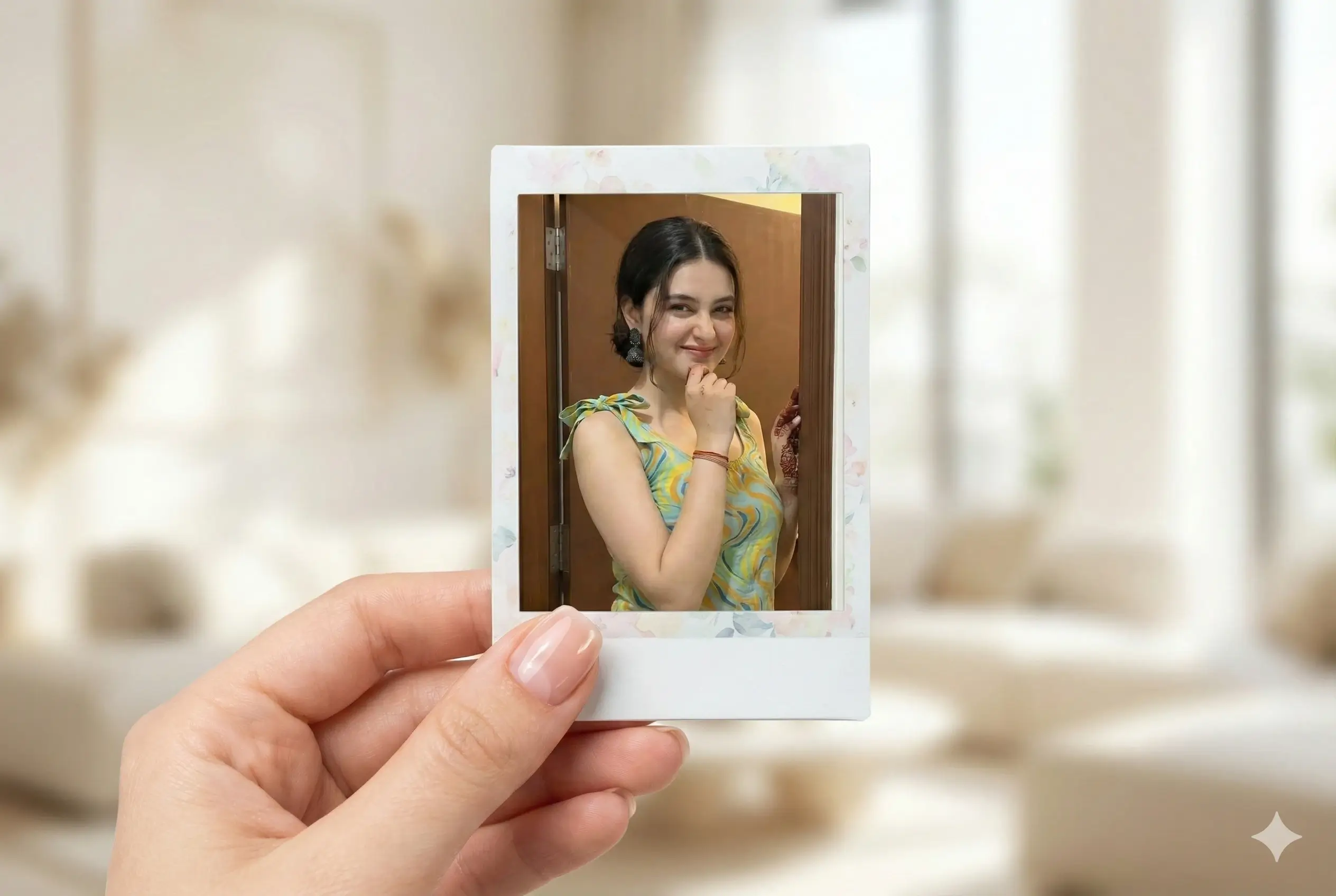
Short-form content is dominating the internet. From TikTok to Instagram Reels and YouTube Shorts, creators who publish visually strong, HD-quality content consistently get more reach, engagement, and followers.
But here’s the problem:
Professional photo and video editing tools are expensive, time-consuming, and difficult for beginners.
The good news is that things have changed.
With the help of free AI tools, anyone can now edit photos, generate cinematic visuals, and create viral-ready short videos—often in just a few minutes. You don’t need Photoshop, After Effects, or years of editing experience.
In this guide, we’ll walk you through simple, free, and practical methods to:
Edit photos using AI
Generate high-quality images
Create viral TikTok and Instagram Reels
Upscale videos to HD quality
If you’re a content creator, photo editor, or someone just starting out, this article is designed for you.
Why AI Is Transforming Photo and Video Editing
Traditional editing workflows require:
Heavy software
High-performance systems
Technical knowledge
A lot of time
AI tools remove most of these barriers.
Modern AI can automatically handle:
Lighting and color correction
Skin tone balancing and detail enhancement
Background improvement
Cinematic effects
Short-form video generation
The result?
Faster workflows, consistent quality, and content that looks professional—even if you’re a beginner.
Step 1: Choose a Free AI Tool for Photo Editing
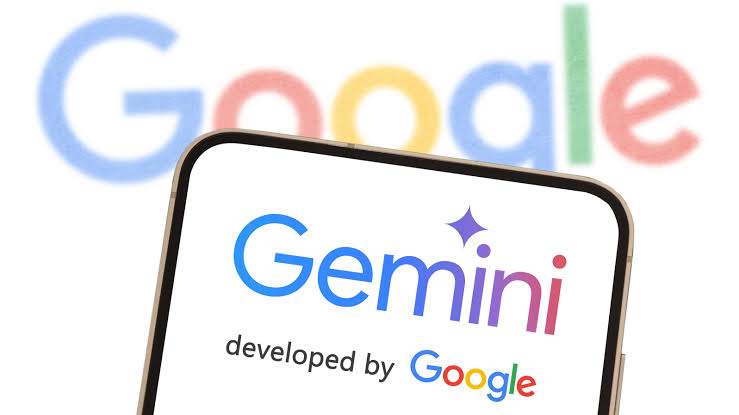
To get started, you only need one AI tool for image editing. Two of the most reliable free options are Google Gemini and OpenAI ChatGPT.
Option 1: Google Gemini (Mobile and Desktop)
Google Gemini is beginner-friendly and works well for AI-based image generation and enhancement.
How to use Gemini on mobile:
Open the Gemini app
Upload the photo you want to edit
Select the “Create Image” or image generation option
Paste your editing prompt
Wait for the AI to generate the result
How to use Gemini on desktop:
Open Gemini in your browser
Upload your image
Click on “Create Image”
Paste the prompt
Let the AI process the image
Gemini is ideal for clean edits, background improvements, and creative visuals.
Option 2: OpenAI ChatGPT (Faster Image Editing)
If you want faster processing and more refined results, ChatGPT is a strong alternative.
Steps:
Open ChatGPT
Go to the “Images” section
Upload your photo
Paste the same editing prompt
Receive the edited image, usually within a minute
- ChatGPT often produces more balanced and social-media-ready images, making it a great choice for creators focused on reels and thumbnails.
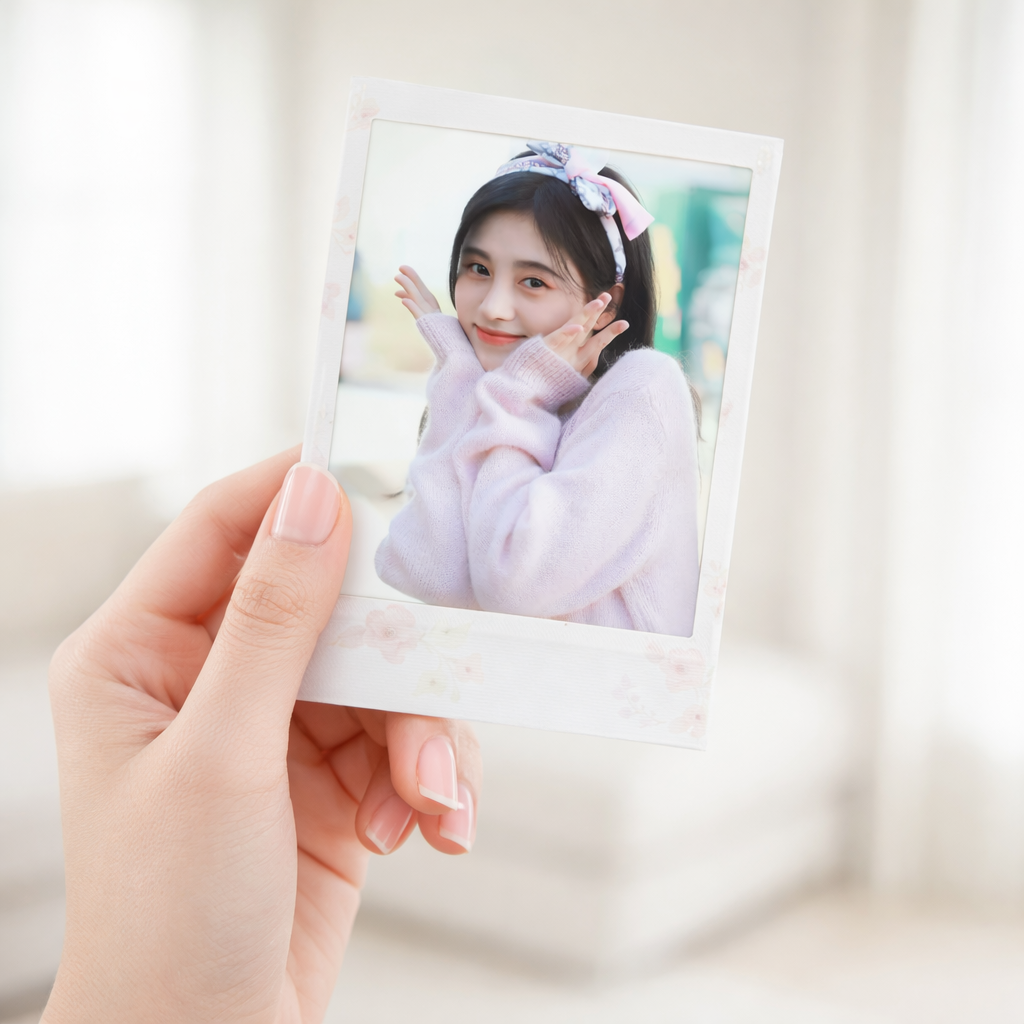
{
“task”: “image_edit”,
“mode”: “forensic_safe_edit”,
“generation_intent”: {
“generate_hand”: true,
“hand_gender”: “female”,
“hand_pose”: “natural_left_hand_holding_polaroid”,
“hand_quality”: “clean_soft_realistic”,
“nail_style”: “short_pretty”,
“nail_polish”: “transparent_gloss”,
“skin_finish”: “natural_even_tone”,
“no_jewelry”: true
},
“polaroid_frame”: {
“frame_type”: “classic_polaroid”,
“frame_color”: “soft_white”,
“frame_texture”: “matte_paper”,
“inner_border_style”: “subtle_floral”,
“floral_type”: “minimal_soft_petals”,
“floral_color_palette”: “pastel_neutral”,
“border_thickness”: “balanced_premium”,
“no_cartoon_effect”: true
},
“edit_scope”: {
“allowed_area”: “polaroid_inner_rectangle_only”,
“forbidden_areas”: [
“uploaded_photo_pixels”,
“face_pixels”,
“hair_pixels”,
“skin_pixels”,
“hand_pixels”,
“polaroid_outer_frame”,
“background”
]
},
“input_images”: {
“uploaded_photo”: “user_uploaded_image.jpg”
},
“absolute_restrictions”: {
“change_uploaded_photo”: false,
“enhance_uploaded_photo”: false,
“retouch_uploaded_photo”: false,
“recolor_uploaded_photo”: false,
“crop_uploaded_photo”: false,
“resize_uploaded_photo”: false,
“face_change”: false,
“identity_modification”: false,
“expression_change”: false,
“age_change”: false
},
“placement_rules”: {
“fit_photo_inside_frame”: true,
“maintain_original_aspect_ratio”: true,
“no_content_aware_fill”: true,
“respect_natural_perspective”: true,
“respect_polaroid_tilt”: “slight_realistic”
},
“hand_and_frame_lock”: {
“hand_editing”: “locked”,
“frame_editing”: “locked”,
“finger_regeneration”: false,
“border_warp”: false,
“edge_reconstruction”: false
},
“background_rules”: {
“background_type”: “bright_indoor_soft_light”,
“depth_of_field”: “natural_blur”,
“background_color_palette”: “clean_neutral”,
“background_blending”: false
},
“quality_processing”: {
“upscale_method”: “super_resolution_only”,
“upscale_factor”: “4x”,
“final_resolution”: “4096×4096”,
“apply_upscale_after_edit”: true,
“detail_preservation”: “pixel_exact”,
“noise_reduction”: “minimal”,
“no_ai_texture_generation”: true
},
“pixel_integrity”: {
“lock_uploaded_photo_pixels”: true,
“lossless_copy_uploaded_photo”: true,
“pixel_hash_verification”: true
},
“output”: {
“format”: “PNG”,
“compression”: “lossless”,
“realism”: “photographic”,
“frame_cleanliness”: “studio_clean”,
“ai_artifacts”: “strictly_none”,
“print_ready”: true
}
}
Prompt
— Veo Prompt (@VeoPrompt) January 27, 2026
Follow and Comment, i will share Prompt pic.twitter.com/coF90W88u7
Step 2: Create Viral TikTok and Instagram Reels
Once your images are ready, the next step is short-form video content.
If you don’t have access to paid AI video tools, you can still create high-quality videos using Grok, a free AI video generator.
Using Grok to Generate Short Videos
How to get started:
Download the Grok app from the App Store or Play Store
Sign up or log in
Open the app
Tap on the “Imagine” option at the top
Select “Video”
Choose a vertical ratio (9:16 works best for Reels and TikTok)
Select video duration (5 or 10 seconds depending on your niche)
Paste your video prompt
Wait for the AI to generate the video
Within minutes, you’ll have a short, visually appealing video ready for social media.
Step 3: Upscale Your Video to HD Quality
HD quality matters. Platforms like Instagram and TikTok prioritize clear, high-resolution videos, especially for discovery and recommendations.
Grok makes this easy.
After your video is generated:
Tap the Upscale button
Wait a few seconds
Your video will be converted into HD
This small step significantly improves the final output and gives your content a more professional look.
A series of hyper-realistic, cinematic clips featuring tiny, adorable kittens working as employees inside a busy McDonald’s kitchen. The kittens are wearing miniature red McDonald’s hats and some wear small aprons.
Scene 1: A fluffy kitten carefully placing a slice of tomato on a tiny hamburger.
Scene 2: A kitten holding a small metal spatula, flipping a burger patty on a grill with intense focus.
Scene 3: A kitten standing by a soft-serve machine, filling a cone with swirls of vanilla ice cream, with some spilled on the counter.
Scene 4: A kitten using a salt shaker to season a pile of golden-brown french fries in a metal bin.
The lighting is warm and professional, typical of a commercial kitchen. Shallow depth of field with a soft-focus background. Highly detailed fur, realistic movements, and an overall whimsical, cute aesthetic. 4k resolution, high frame rate.
Breakdown of Key Elements:
Subject: Tiny kittens (anthropomorphized as workers).
Theme/Branding: McDonald’s (red hats, white ‘M’ logo, specific food items like Big Macs and fries).
Actions: Food preparation—assembling burgers, flipping patties, serving ice cream, salting fries.
Atmosphere: Extremely cute (“kawaii”), whimsical, and high-energy.
Visual Style: Hyper-realistic CGI. The fur texture is highly defined, and the lighting mimics a professional film set or high-end commercial.
Technical Details: “Shallow depth of field” or “bokeh” ensures the kittens remain the sharp focus against the busy kitchen background.
want prompt? follow and comment "Prompt" pic.twitter.com/A7q1VvYpT3
— Veo Prompt (@VeoPrompt) January 21, 2026
Prompt
— Veo Prompt (@VeoPrompt) January 18, 2026
{
"description": "Ultra-realistic luxury automotive commercial featuring a sleek, next-generation futuristic truck gliding effortlessly along a pristine artificial highway. The scene conveys quiet power, refined engineering, and premium futurism with a timeless,… pic.twitter.com/rmvBoE3HQ6
Importance of Prompts in AI Editing
AI tools are powerful, but the results depend heavily on how you describe what you want.
A weak prompt leads to average output.
A well-written prompt can produce viral-level content.
Strong prompts usually include:
Clear visual style (cinematic, clean, luxury, realistic)
Lighting preferences
Mood and color tone
Platform focus (Reels, TikTok, Shorts)
Learning prompt writing is one of the most valuable skills for modern content creators.
AI has changed the way content is created.
With free tools like Gemini, ChatGPT, and Grok, you can now:
Edit photos professionally
Generate creative visuals
Produce viral short videos
Save time and money
You no longer need expensive software or advanced technical skills to compete on social media. What matters most today is creativity, consistency, and smart use of AI.
If you want
Advanced AI photo editing prompts
Viral Instagram and TikTok video prompts
Regular updates on free AI tools
Follow me on X and Instagram.
More practical AI editing guides and ready-to-use prompts are coming soon on Newsiq.
Stay creative. Stay consistent.
And let AI do the heavy lifting.