Don’t Miss This: Adobe Creative Cloud Pro Is Free for 4 Months
 Skasif
31/08/2026
Skasif
31/08/2026 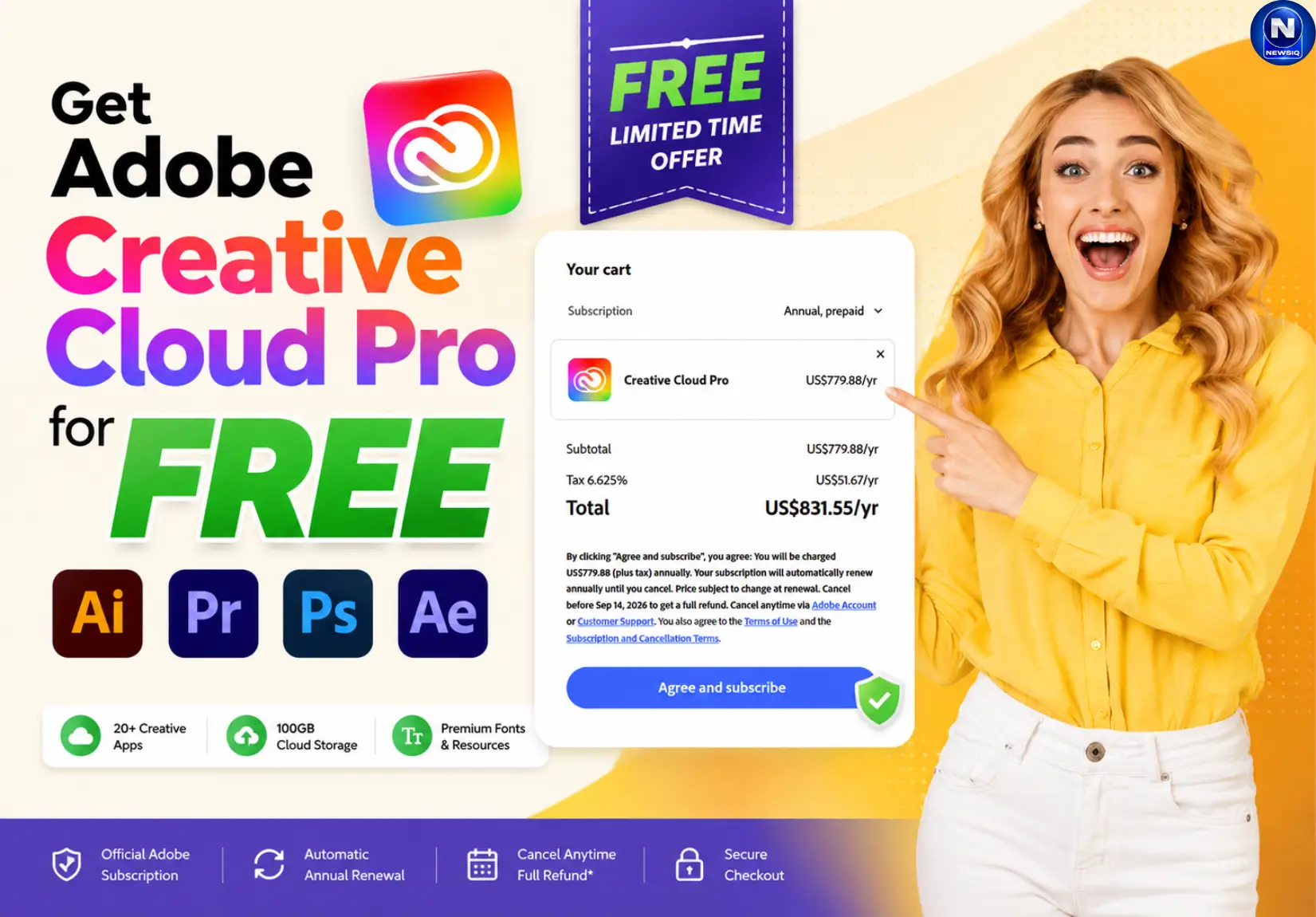
Get full access to Adobe Creative Cloud Pro apps including Photoshop, Premiere Pro, and After Effects with $0 charged upfront.
Claim Adobe Creative Cloud Pro Free for 4 Months
Adobe Creative Cloud Pro normally costs $831 a year. Right now, a live promo link is letting new users claim an Adobe Creative Cloud Pro free trial that runs for 4 months instead of Adobe’s usual 7-day preview and it doesn’t ask for a student email or a campus ID.
We tested it ourselves before writing this. The short version: it works, but only if your billing address says United States. Here’s everything you need to know before you sign up.
What You Actually Get With This Free Trial
This isn’t a stripped-down demo. Signing up through the promo link unlocks the full paid version of Creative Cloud Pro for 4 months at $0 due today, including:
- Premiere Pro, After Effects, and Audition for video and audio
- Photoshop, Lightroom, and Camera Raw for photography
- Illustrator, InDesign, and Acrobat Pro for design and documents
- Firefly generative AI credits for image generation and Generative Fill
- Cloud storage that syncs your fonts, presets, and project files across devices
That’s the same lineup you’d get on the $831-a-year plan. The only difference is the price tag, for now.
How to Claim the Adobe Creative Cloud Pro Free Trial
Setting this up takes about five minutes. Follow these steps in order so your cart locks in at $0.
- Open the promo checkout link using a fresh Adobe account. If you’ve had a paid plan on that email before, the system may not recognize you as a new subscriber.
- Add your payment method. Adobe asks for a card or PayPal to verify your identity, not to charge you. You should see $0.00 due today before you confirm anything.
- Confirm your billing address is set to the US. This is the step that decides everything — more on why below.
- Complete checkout and double-check the confirmation screen still shows $0.00 and a 4-month trial window.
- Set a calendar reminder a few days before your trial ends. Go to Manage Plan in your Adobe account to find the exact renewal date.
No student verification, no tuition receipts, no campus documents. Just a US billing profile and a working payment method.
Why This Free Trial Only Works for US Accounts
This is the part most people miss, and it’s the reason we reached out to Adobe directly.
We ran the same promo link twice: once with a US billing profile, once with an Indian billing address. The US profile locked in the 4-month trial with $0.00 due today. The moment we switched the billing country to India, the checkout reset itself to the standard 7-day trial — same link, same account type, completely different offer.
To confirm this wasn’t a glitch, our team messaged Adobe Customer Care directly on X. Their response was clear:
“The reason you’re seeing the offer change is that promotions are often region-specific. The 4-month free trial you’re seeing is associated with a different region, and when you switch your billing address and payment method to India (INR), the checkout automatically updates to the offer available for that market. Region-specific offers cannot be transferred to another country or billing profile. Even if a different payment method is used, the promotion will still depend on the billing region associated with the purchase.”
In plain terms: the offer is tied to the country on your billing profile, not to the link itself or the device you’re using.
Adobe Checkout Regional Routing
| Offer Details | US Billing Profile | India / Non-US Billing Profile |
|---|---|---|
| Trial length | 4 months | Standard 7 days |
| Amount due today | $0.00 | Reverts to local pricing terms |
| Payment rails | US cards accepted | Redirects to INR storefront |
| Promo transfer | N/A | Blocked, no exceptions |

Adobe Creative Cloud Discount vs. the Student Plan
A lot of creators default to Adobe’s student discount, roughly $19.99 a month, thinking it’s the cheapest legal way in. It isn’t as simple as it looks.
| Criteria | 4-Month Free Trial | Student Discount Plan |
|---|---|---|
| Commitment | None during trial | 12-month contract, billed monthly |
| Cancellation cost | $0 if canceled before renewal | 50% of remaining balance after month 2 |
| Verification | None required | Valid student email or ID required |
| Usage rights | Standard commercial license | Personal/educational use only |
Student plan locks you into a year-long agreement even though it’s billed monthly. Cancel after the 14-day window and Adobe charges you half of what’s left on the contract. The free trial has none of that risk you’re either in or out by the renewal date, no penalty either way.
How to Cancel Before You Get Billed
If you don’t want to keep paying after the 4 months are up, cancellation is self-service and takes about three minutes:
- Log into your Adobe Account dashboard.
- Open your active plan and select Manage Plan.
- Click Cancel your plan.
- Pick any reason when prompted (Adobe will offer a retention discount, you can skip it).
- Confirm the cancellation.
Do this before your listed renewal date and your card is never charged. Miss the date, and you’ll be billed at the standard annual rate.
Should You Sign Up Now?
If your billing address is set to the US, this is a straightforward way to get $831 worth of software at no cost for four months, with an easy exit if you decide not to keep it. If your billing address is outside the US, don’t expect the same deal. Based on Adobe’s own confirmation, there’s no workaround, no support ticket, and no alternate payment method that gets you the extended window on a non-US profile.
FAQs
1. Is the Adobe Creative Cloud Pro 4-month trial really free?
Yes. Eligible users with a qualifying US billing profile can get Creative Cloud Pro for 4 months with $0.00 due at checkout. Adobe requires a payment method, and the plan will automatically renew at the standard rate if you don’t cancel before the trial ends.
2. Who is eligible for the 4-month free trial?
Offer is intended for new users and requires a US billing profile. If the Adobe account has previously had a paid subscription, it may not be recognized as eligible for the promotion.
3. Do I need a student email or student ID to claim the offer?
No. 4-month trial doesn’t require a student email, campus ID, tuition receipt, or other student verification.
4. Why am I seeing a 7-day trial instead of 4 months?
Because 4-month promotion is region-specific. If your billing profile or payment details are set to a country outside the US, Adobe may switch the checkout to the standard trial available in that market. Adobe Customer Care confirmed that region-specific promotions cannot be transferred between billing regions.
5. Can I claim the 4-month trial outside the US?
Based on our testing and Adobe Customer Care’s response, the 4-month offer is tied to a US billing profile. Switching the billing country to India caused the checkout to revert to the standard 7-day trial.
6. Do I need to add a payment method for a free trial?
Yes. Adobe asks you to add a supported payment method during checkout even though the amount due today is $0.00. Before completing the order, make sure the checkout still shows a 4-month trial and $0.00 due today.
7. Will Adobe automatically charge me after the 4 months?
Yes, if you keep the subscription active. Once the free trial ends, the plan will renew at the applicable standard Creative Cloud Pro rate. Check the renewal date and pricing shown in your Adobe account before the trial expires.
8. Can I cancel the Adobe trial before it ends?
Yes. You can cancel through your Adobe account by opening your active subscription, selecting Manage Plan, and choosing Cancel your plan. Cancel before the listed renewal date if you don’t want the subscription to renew.
9. What apps are included in the 4-month Creative Cloud Pro trial?
The trial includes the Creative Cloud Pro suite, including Photoshop, Illustrator, Premiere Pro, After Effects, Lightroom, InDesign, Audition, Acrobat Pro, and Firefly generative AI features with 4000 monthly credits.
10. Can existing Adobe subscribers claim the 4-month free trial?
The promotion is aimed at new users. If you’ve previously had a paid Adobe plan on the same account, Adobe may not recognize the account as a new subscriber and the 4-month offer may not appear.
11. Can I use a different payment method to get the offer in another country?
Adobe Customer Care says no. The promotion depends on the billing region associated with the purchase, so simply changing the payment method does not transfer the US offer to another country.
12. How do I know the 4-month offer has been applied correctly?
Check the final checkout screen before confirming your order. It should clearly show $0.00 due today and a 4-month trial period. If it shows a 7-day trial or local pricing instead, the 4-month promotion has not been applied.
13. Where can I get the Adobe Creative Cloud Pro 4-month trial link?
We’ve provided the 4-month trial link above, but if you haven’t checked it yet, you can click here to open the Adobe checkout and claim the offer. Before completing checkout, make sure it shows a 4-month trial and $0.00 due today.
14. Can I also get Adobe Express free for 12 months?
Yes. If you’re looking for Adobe Express instead, you can also claim the 12-month Adobe Express free offer here . Check the eligibility and offer terms before signing up.